 |
General Usage
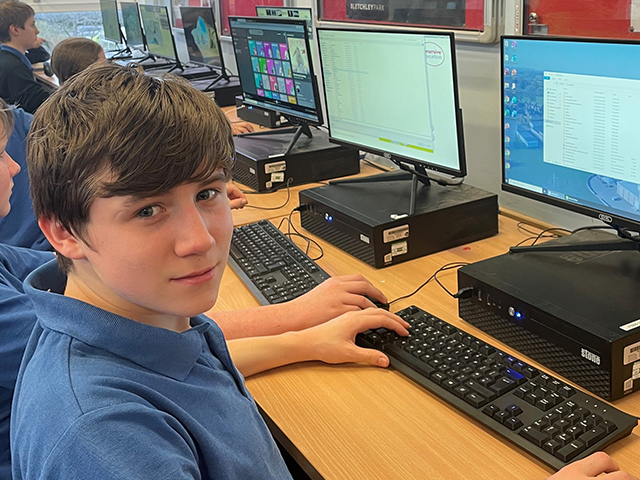
- Do not damage equipment
- Personal equipment e.g. personal laptops and USB memory pens will not be allowed to connect to the school network
- Do not attempt to download or install any software or files infected with viruses
- Do not use or attempt to access other user accounts.
- Do not access any data which you are not authorized to use.
- Do not attempt to run any software/programs that were not installed by the school
- Playing of games is not allowed unless authorised by your teacher
|
|
|
Your Account
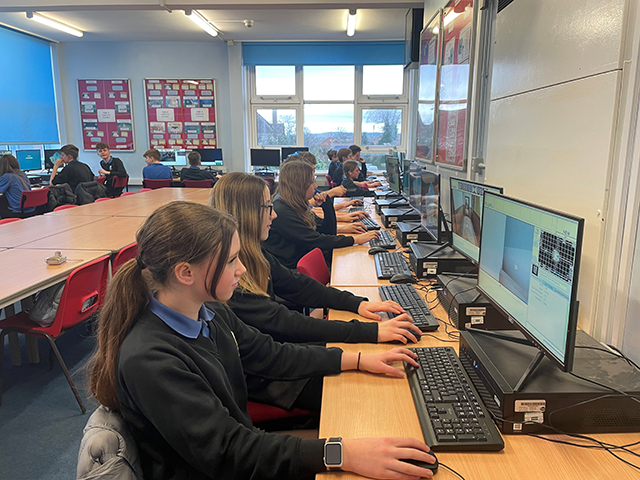
- Do not tell ANYONE your password
- Do not reveal any personal identifiable details to anyone you meet (chat with or email) on the internet.
- All users must comply with all legal obligations
|
 |
Email
- Do not use the email system in lessons, without permission from your teacher
- Any anti-social behaviour e.g. swearing is prohibited
- Only open attachments to emails if they have come from someone you already know and trust.
- If you receive any email that contains any offensive content, you must always report it to ICT Support.
- Please show or tell a responsible adult straight away if you receive a nasty message or email from anyone.
- Please show or tell a responsible adult straight away if you receive anything which makes you feel uncomfortable or is inappropriate.
|
 |
Internet
- Do not use the Internet in lessons, without permission from your teacher
- Certain sites on the Internet are blocked and no attempt should be made to bypass the filtering system
- Personal sites and/or social networking sites (such as TikTok, Facebook, Instagram, Twitter/X, Discord etc) are blocked for your protection. Under no circumstance will they be unblocked.
- Please show or tell a responsible adult straight away if you become aware of an online safety issue affecting another person.
|
|
|
Remote Access
- You must not make any attempt to access any services or systems via the remote access system that you are not authorized to.
- You must not upload any programs, music or videos via the remote access system.
|
 |
Laptops
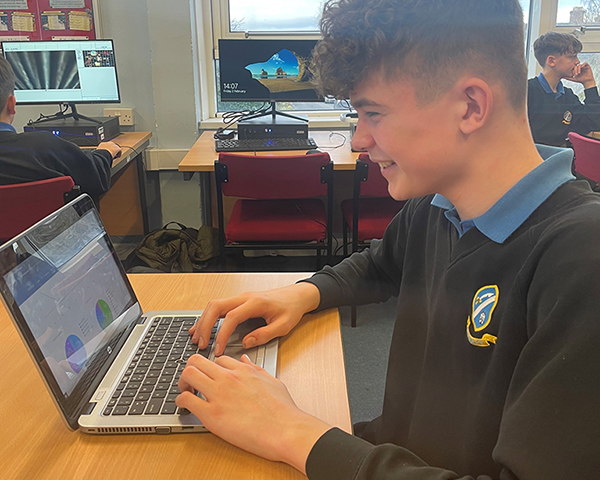
- Laptops must not be damaged in any way
- Any damage must be reported to your teacher or ICT support immediately
- Ensure you have permission from your teacher before taking a laptop
- Laptops must be returned immediately after use.
|
 |
Digital Cameras
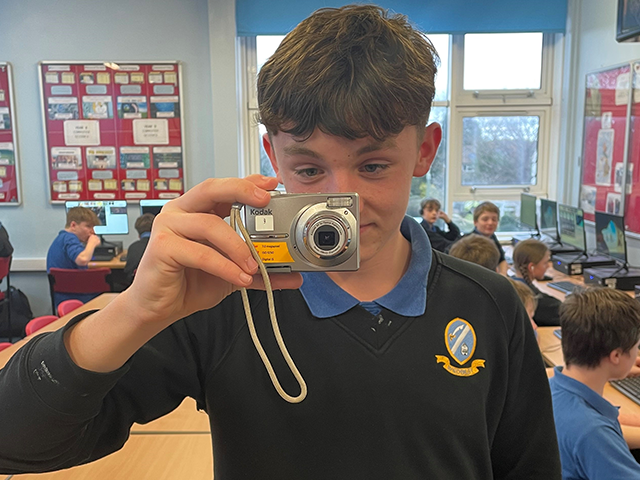
- Do not damage the equipment
- Must only be used with permission from your teacher
- All photos/videos taken are for school use only.
- Any media on the cameras must be deleted after use.
|
 |
Printing
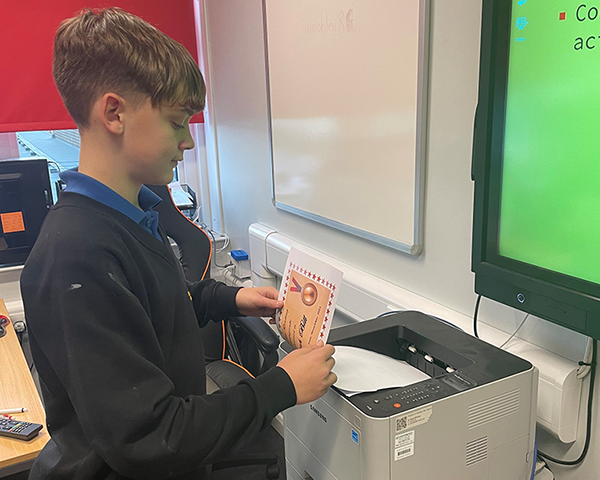
- No pupil is to print to the Colour printer; any coursework should be sent to your teacher to be printed.
- No personal documents should be printed to the school printers
- Report any faults to your teacher or ICT Support immediately; do not attempt to fix the problem yourself.
|
 |
Google Classroom
- Do not type any irrelevant messages into the Google Classroom Feed / Chat such as ‘hi’ or ‘first’
- Do not post any inappropriate or non-related images in to the Feed
|